sync_heatmap
 \
\
\
\
\
\
(Disclaimer: The sites *Strava Heat Map* and *Google Maps* are respectively run and owned by the companies which own the data they display. This web extension only provides an interface to enhance usage of said websites.)
Sync Heatmap User’s Manual
Usage
Note: For extension installation see …
This page describes how to use the Desktop Firefox Extension Sync Heatmap
Click on the Sync Heatmap extension icon which looks like this:
A menu will appear with two items: Open, and Close : 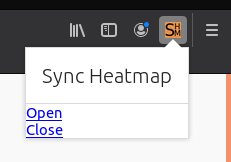
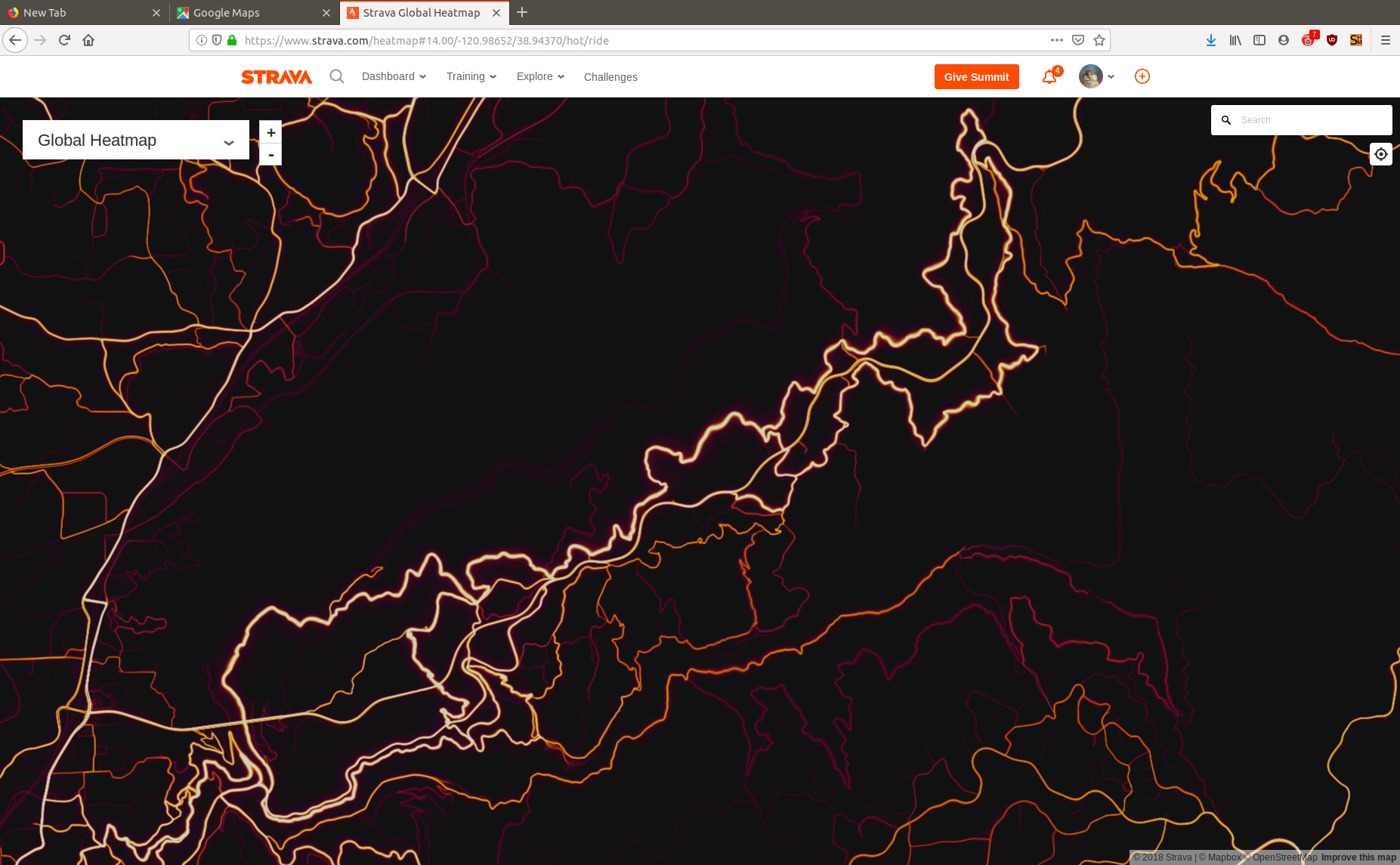
Click on Open and two new tabs, Google Maps and Strava Heat Map, will open in your browser:

Strava Heat Map will be the the active visible tab. Operate as you normally would.
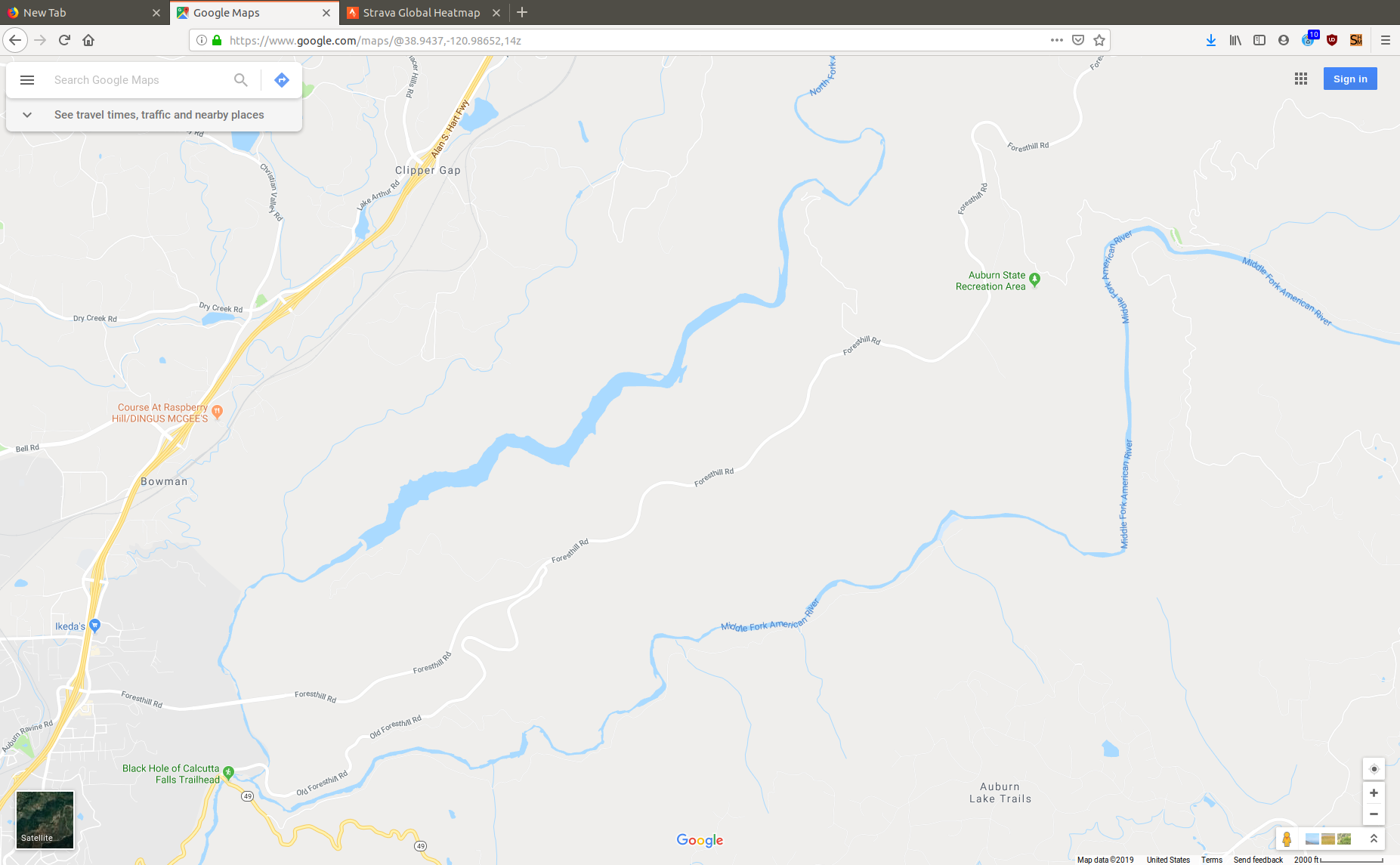
When you switch to the Google Maps tab, the Google Maps scale and position will be automatically set to match that in the Strava Heatmap window. It may take a second to load.
Here is an examples of a Strava Heatmap image and the matching Google Maps image:
Limitations
- The Google Maps tab will be synchrozined to the Strava Heat Map tab, but not vice versa. That is, when changing from the Google Maps tab to the Strava Heat Map tab, the Strava Heat Map will not be synchronized in scale/location to the Google Map.
- When using the mouse wheel to zoom in and out in Strava Heat Map, the extension will forcibly round the zoom to an integer. This feels a bit awkward and jerky. This is done because (through the available extension interface offered by Google Map)
the Google Map can only be requested to display an integer zoom. Although jerky, it’s better than not sharing the same scale.
Changing Strava Heat Map scale by only clicking on the “+” and “-“ boxes will avoid this jerkiness. - This extension has no control over the interfaces offered to the extension by Strava Heat Map and Google Map, and they could change at any time, changing the extension behavior or even making it unusable.
- In fact, in early testing it was possible to sync the Strava Heat Map tab position to the Google Map tab position, but within 48 hours the interface offered by Strava Heat Map changed so that became impossible. On the other hand, the interface to allow chaning zoom was left intact. Hopefully that was intentional, and this software is not stepping on anybodies toes.
Open Source
This extension is maintained as an open source project “sync_heatmap” on Github.
Coding level feature requests, bug reports, pull requests, etc., should be posted to the sync_heatmap project issue list. Requires a Github account.